Welcome to Twitter Video Downloader - Ultimate Twitter Video Download Solution
Twitter Video Downloader is an online tool for users to download videos from Twitter. Our team is passionate about simplifying the process of accessing and saving videos from Twitter. SnapTwitter is developed for users who want to download and convert content.
While browsing Twitter, you may come across content you want to keep. With SnapTwitter, you can download Twitter GIFs, photos, and images in seconds.
In addition, SnapTwitter lets you download Twitter photos, videos, and GIFs without logging in. It supports downloading any content from a tweet on all devices (PC, Mac, tablet, iPhone, and Android).
Key Features
- Download Twitter Video: SnapTwitter lets you download videos from Twitter in HD quality (matching the quality of the original video).
- Twitter GIF Download: The Twitter GIF converter on SnapTwitter makes it easy to download GIFs from any tweet.
- Tweet to Image: You can save images from a tweet to your device in just a few simple steps.
Easy Video Downloads
We offer the best platform for downloading videos from Twitter in just a few clicks. No technical skill is required — anyone can use our service with ease.
High-Quality Downloads
We always provide high-quality video downloads, ensuring that users can enjoy their videos in the best possible resolution and format.
Fast and Reliable Service
Our platform is designed to be fast and reliable, ensuring a smooth downloading process. We understand the importance of your time, and we work hard to deliver the best experience for our users.
How to download videos from Twitter
- Step 1: Open the Twitter app or go to the Twitter website on your PC. Find the tweet containing the video you want to download.
- Step 2: Click on the tweet to expand it and locate the video. Copy the URL of the tweet that contains the video.
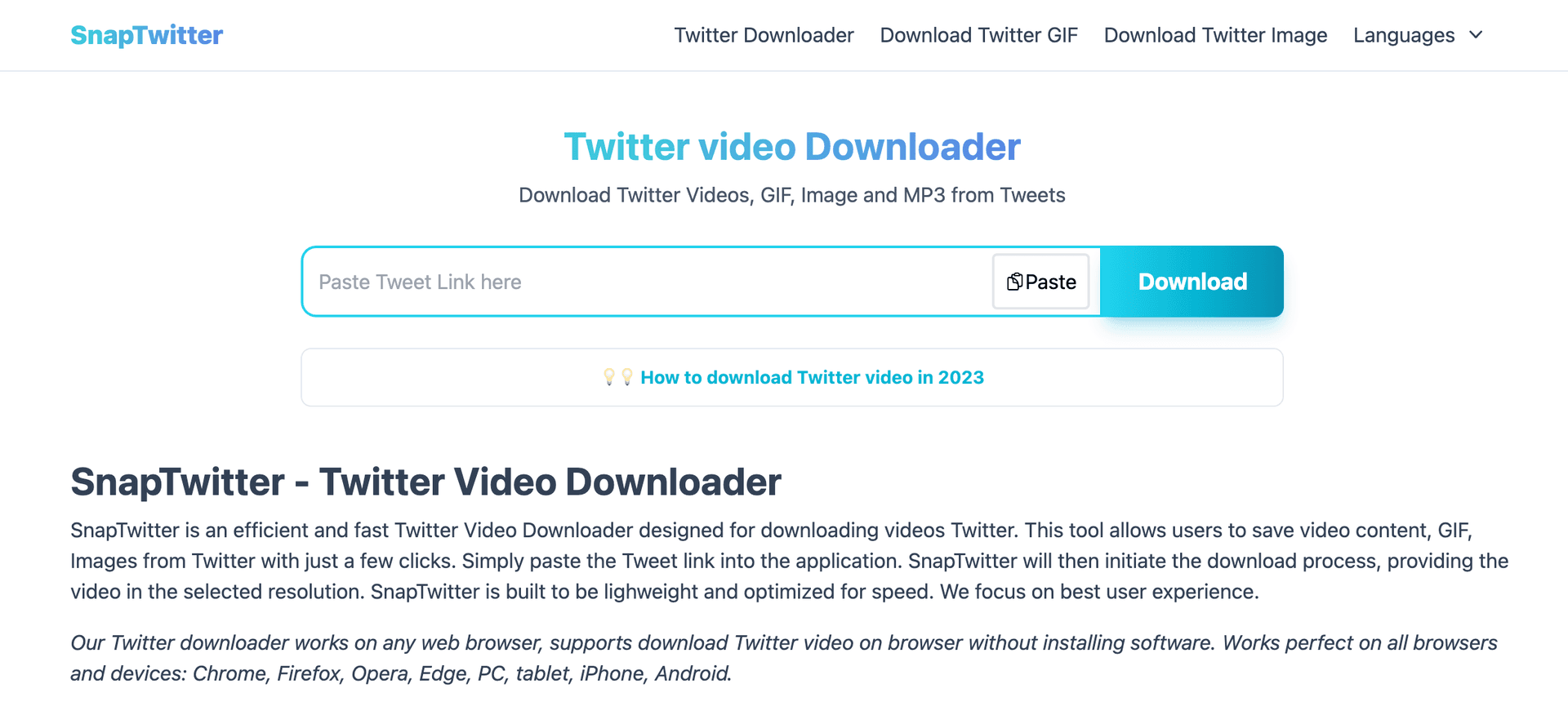
- Step 3: Open your web browser and go to SnapTwitter. Paste the copied tweet URL into the provided input box and click on the 'Download' button.
- Step 4: After clicking 'Download,' the video will be processed. Once the video is ready, a 'Download Video' button will appear. Click on it to save the video to your device.